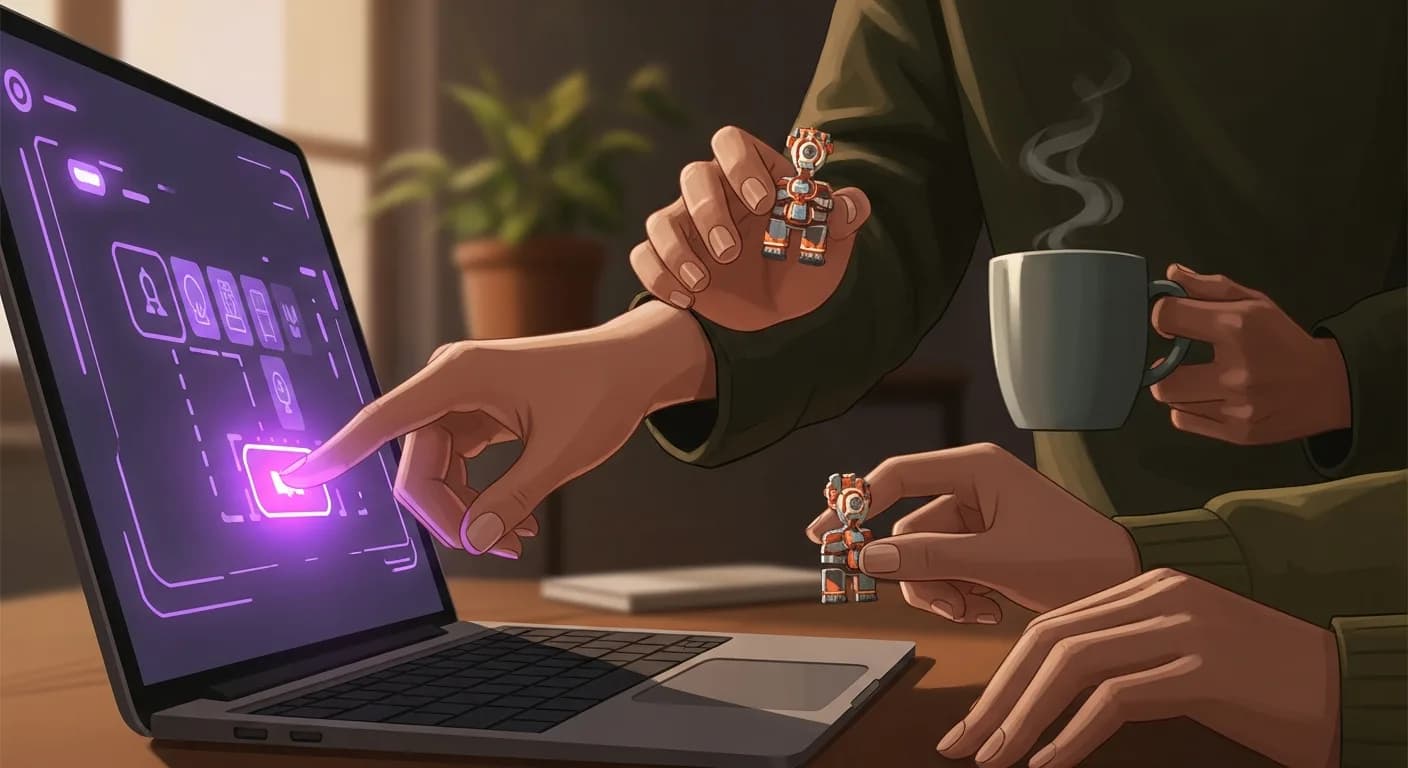

Virtual team building has quietly become a Zoom-specific practice. Not because Zoom is the best video tool (Teams and Meet both work fine), but because Zoom is where most distributed teams already run their weekly standups, all-hands, and 1:1s. When People Ops leaders phone in asking how to run a team event "via Zoom," they aren't asking about the video platform. They're asking how to fit a real team experience inside the tool their company already trusts. Without a new app in the IT stack. Without asking anyone to install anything. Without turning a 45-minute meeting into a two-hour experience that half the roster mentally checks out of by minute 30.
1,500+ virtual events later — across 700+ companies in 50+ countries since 2020 — the patterns are more consistent than most People Ops leaders expect. The right question isn't which vendor. It isn't which game either. It's whether your team needs a single live event on Zoom, or a multi-day format that uses Zoom only for the kickoff and the wrap. The rest of this piece is the answer to that question, followed by the seven-step sequence we walk clients through once the format decision is made.
So how do you actually run a virtual team building game via Zoom that lands with your team — the introverts, the veterans, the distributed roster spread across seven time zones — and doesn't feel like another calendar block everyone quietly resents?
Why Zoom is the natural venue for a virtual team building game
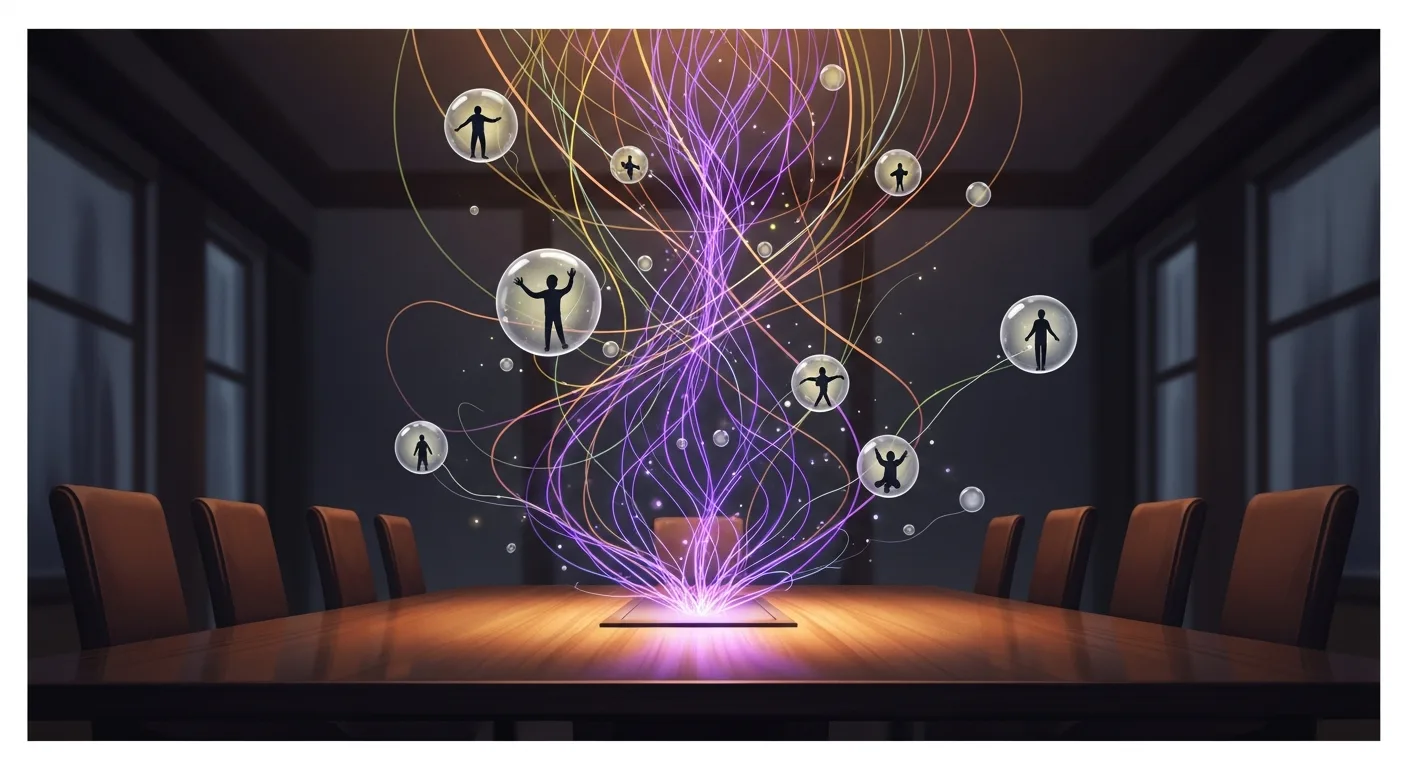
Zoom already carries the parts of the event that matter. Video presence. Audio. Chat. Breakout rooms. What HeySparko adds runs in a browser tab alongside Zoom: the game itself is a web page each player opens with a link. No install for the player, no IT ticket, no app store approval cycle. We've tested this setup with corporate laptops locked down by Cisco Umbrella, Crowdstrike, and Netskope stacks. The browser tab loads every time because it's HTTPS traffic to a whitelisted domain, and the compliance ticket that usually kills new-vendor SaaS never gets opened.
The other reason Zoom is the natural venue is breakout rooms. A live game with 100 players scales through pods of 4 to 8, and Zoom breakouts are the mechanism most People Ops leaders already know how to configure. Whenever the roster is stable, pre-assign the breakouts before the event. The 3-minute scramble at the top of the call to sort people into rooms is one of the most reliable engagement killers we've watched play out in real time. A pod that lands in its breakout in the first minute is a pod that trash-talks by minute 8. A pod still waiting in the main room at minute 4 spends the next hour half a beat behind.
One nuance is worth naming up front. Zoom is the venue, not the experience. A "team building on Zoom" event that consists of a host talking at 200 muted attendees for 45 minutes is a webinar with games mentioned. The browser tab running alongside is what turns Zoom from a meeting surface into an event surface. Skip that piece and you get an all-hands with an awkward middle 30 minutes.
Big Game or Marathon: choose the format before you pick the game

Zoom fits both HeySparko formats. The two use Zoom completely differently.
Big Game is one live 60-90 minute event. Everyone in the same Zoom call at the same time. A HeySparko Game Host runs the whole thing. Your team joins the Zoom link, opens the browser tab we send, and plays through a narrative adventure or mystery together. This format is best when the roster fits inside a shared time-zone window of about six hours and the culture rewards live shared moments. Games like Bureau of Magical Affairs and Mission 8-Bit shine here because the live energy is what carries the story beats between stages.
Marathon runs across 1 to 5 days, mostly async. Zoom shows up twice. Once for a 15-minute kickoff on Day 1 (optional, but we recommend it). Once for a 15-minute wrap on the final day. In between, each player opens the browser tab on their own schedule, plays through daily episodes, and watches the shared leaderboard update. Across 500+ opt-in Marathon events we've facilitated, completion rates land in the 78-92% band — routinely higher than forced-synchronous rates for distributed teams. Longer-arc games like Under the Big Top and Stolen Hours work well in this format because the multi-day rhythm lets the story breathe.
The decision usually makes itself. Time zones inside a six-hour window and a team that shows up for live things: Big Game. Time zones past six hours, or a team that has explicitly opted out of mandatory live events: Marathon. Group size over 500 with any real time-zone spread: Marathon almost always.
Where teams get this wrong: booking a Big Game for a 400-person distributed roster because "we want everyone together." The result is a third of the roster on a 6am or 11pm call, and post-event survey scores that reflect the fatigue rather than the fun. When we pushed back on this choice with a hospitality client last fall (about 300 employees split across four EMEA cities plus a US flagship), they switched to a 5-day Marathon instead. 71% of the company finished it voluntarily. Nobody took a call outside their working hours. The CFO finished it from a hotel bar in Lisbon.
How it works: running a virtual team building game via Zoom, step by step
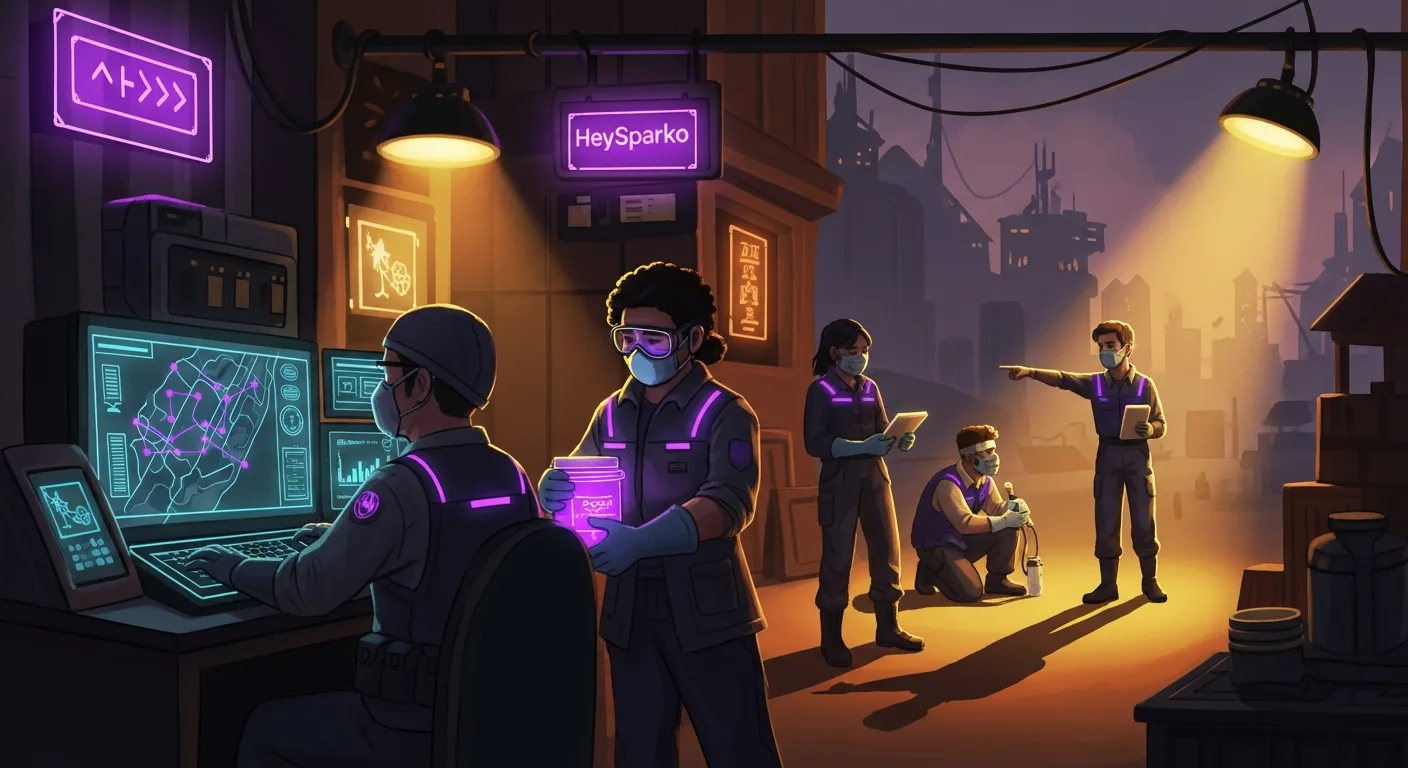
Here is the sequence we walk clients through when the format is Big Game. Most of it maps to Marathon too. The differences show up in the timing (async replaces live gameplay) and in Zoom's role (kickoff and wrap only, not the whole 90 minutes). Seven steps, in the order you'll actually do them.
1. Book 3 weeks out for Big Game, 4-5 weeks for Marathon
The lead time isn't about our production capacity. It's about giving your team enough runway to see the calendar invite land, forget about it, remember it a week before, and get genuinely curious. Events booked with under 10 days of runway show measurably lower attendance because the invitation lands in the same inbox chaos as a normal Tuesday meeting. Three weeks gives People Ops room to send two nudge emails. It gives managers time to reference the event in their team standups. It gives the roster time to pencil it in and mean it.
For Marathon, with or without customization (NPC, Logo, or Story tier), plan on 4 or 5 weeks. Story customization needs 10 business days from brief-approval to episode-1 release. Compress that window and the review cycles shortcut in ways that hurt the finished product.
2. Configure Zoom before the event, not during
Two Zoom settings matter more than the rest combined. Pre-assigned breakout rooms. And a co-host who handles the technical layer while the Game Host runs the game. Pre-assigned breakouts let the event start in 2 minutes instead of 8. A dedicated co-host catches late arrivals, unmuting mishaps, and the occasional "I can't hear the audio" chat message. The Host stays focused on the story instead of the tech.
If your team uses Microsoft Teams or Google Meet instead of Zoom, everything above still applies. The browser-tab side of the game is video-platform-agnostic. We've run identical Big Game events across all three tools in the same quarter, and the participant experience is functionally the same. The difference is in how each tool handles breakouts, which is more of a Host preference than a real capability gap.
3. Open with 5 minutes of connection, not 5 minutes of housekeeping
The first 5 minutes of the event set the room. When hosts default to housekeeping ("here's the leaderboard URL, here's how the chat works, here are the breakout rules"), the room stays transactional. When hosts open with a shared prompt — a one-word check-in in chat, a picture of everyone's coffee cup, the introduction of the game's central character — the room shifts from meeting mode to event mode within the first two minutes. Our Game Hosts run a 90-second connection ritual before any game mechanics get explained. The bookkeeping still happens. It happens after the room is warm.
4. Move people into breakout pods of 4-8
The team-size sweet spot for gameplay is 4 to 8 people per breakout. Above 8, one or two players fade into passive observation and the pod loses its center of gravity. Below 4, a single quiet pod-mate carries too much weight. A 60-person event needs 8 to 10 pods. A 300-person Big Game needs roughly 40 pods running the same puzzles in parallel with a shared leaderboard.
Pod composition matters more than raw pod size. We tell clients to mix functions across pods (engineering plus marketing plus sales in the same breakout) rather than keep functional silos together. Cross-function pods produce the weak-tie formation that carries the event's value into the following months. A pod of five engineers plays a game together and goes back to their day. A mixed pod builds the connections you'll see referenced in Slack six weeks later, when someone from Sales pings someone from Data because "we were on the same team for the mystery thing."
5. Run the game in the browser tab alongside Zoom
Once pods land in their breakouts, each player has Zoom on one screen and the game tab on the other. The Game Host narrates story beats on the shared Zoom stage. The browser tab is where puzzle submissions, leaderboard updates, and team-name assignments happen. There's no app to install and no account to create. Players just click the link the Host drops in chat. The setup has held up on locked-down corporate laptops in every deployment we've tested, regulated industries included, where every new SaaS URL usually needs a compliance ticket.
The most common failure mode at this step is a hardware audio glitch that keeps one player from hearing the Host. Our fix is a chat-based transcript of the Host's story beats running in parallel, so a player who loses audio can follow the narrative from text and keep contributing. The same accommodation works for players in an environment where they can't be on camera. The browser tab and the chat carry enough of the experience that opting out of video doesn't mean opting out of the event.
6. Land the reveal, then the leaderboard, then the wrap
The final 10 minutes are the emotional payoff. The Host lands the story's resolution first — the killer named in Wintervald Hotel Mystery, the vaccine synthesized in Apocalypse, the killcode assembled in Mission 8-Bit. Then the leaderboard reveal, with the winning pod called out by name. Then a short wrap where the Host names one specific moment from the event. "Pod 4's argument about the ringmaster in Stage 2 was the sharpest deduction I've seen in six months of running this game."
The wrap is what the team remembers on Friday. Skip it for time and the event fades faster than the calendar invite it replaced.
7. Send the analytics report within 24 hours
The post-event report is the single artifact that makes the event defensible when next quarter's budget conversation comes up. We auto-send a report to the People Ops lead within 24 hours: participation rate, NPS pulse, by-pod scores, coordination heat map, and a shareable leaderboard image for the company Slack. When the CFO asks whether the event line item moved anything, the report is the answer that keeps the budget alive. Skip the report and you've built a memory. Send the report and you've built a case.
What the data says
The research on virtual team events has caught up with the operational reality. Three findings from the past two years should shape how you plan the next event on Zoom.
Atlassian's Teamwork Lab published research in February 2024 (Intentional Togetherness) tracking more than 1,600 team gatherings over 18 months, gathering roughly 25,000 data points along the way. Their headline finding: intentional team gatherings boost team-connection scores by an average of 27%. For new graduates in particular, connection climbed from 74% pre-gathering to 96% post — a 22-point lift. The half-life piece is the one most People Ops leaders miss on first read. The effect decays back to baseline over roughly 4 months, which implies about 3 gatherings per year is the optimum cadence. That's the quantitative backing for a quarterly virtual team event rhythm, not an annual "holiday party and hope" model. If you're running one event a year, the connection lift is already gone by April.
For teams past a six-hour time-zone spread, Microsoft's 2025 Work Trend Index adds a number worth citing. Their Breaking Down the Infinite Workday research, based on a 31,000-knowledge-worker survey plus Microsoft 365 telemetry, found that 30% of meetings now span multiple time zones. That's an 8-point absolute increase since 2021. If a third of your team's meetings already cross time zones, the format decision for a team event is almost predetermined. Marathon becomes the honest choice. Big Game becomes a forced choice.
Deloitte's 2024 Global Human Capital Trends surveyed 14,000+ business and HR leaders across 95 countries on microcultures — the practice of designing culture interventions at the team level rather than the company level. Organizations embracing microcultures were 1.8× more likely to achieve positive human outcomes and 1.6× more likely to hit desired business outcomes. Seventy-one percent of leaders said individual teams and workgroups are the best place to cultivate culture. The takeaway for anyone running a virtual event on Zoom is direct. Design for the pod level, not the whole company. Pod-level analytics from a virtual event beat company-wide averages for the same reason microcultures beat monolithic culture programs: the intervention meets people where they already work.
The academic literature backs the operational read. A systematic review by Anog et al. (SSRN, 2023) covering 60+ studies on team-building interventions concluded that structured team-building activities increase satisfaction and reduce turnover, with the strongest effects showing up when events sit inside a broader development strategy rather than as one-shot morale plays. The review matters because it's the strongest available refutation of the "one big offsite fixes it" argument that still shows up in some budget conversations.
Our own data corroborates the pattern. Across the 500+ Marathon events we've run, completion rates land in the 78-92% band, higher than forced-synchronous participation for equivalent distributed teams. Big Game formats scale reliably to 10,000 players in a single Zoom session when the pod structure is set up properly. Cross-time-zone Marathon reaches roughly 35% more participants than forced-synchronous alternatives; those are the people who never showed up to your 8am all-hands, and are often the same ones your engagement survey is flagging as disengaged.
There's a specific failure mode the numbers frame well. Teams that run a single virtual event per year (usually the December holiday party) see the Atlassian half-life effect kick in. Whatever lift the event produced has decayed to baseline by April. Teams that run one Marathon per quarter stay above the decay curve most of the calendar year. That cadence isn't more work if it's built into the quarterly rhythm. It's less work than the crisis-mode engagement interventions that get triggered by a low quarterly survey score.
Frequently asked questions
Do we need to install anything to play a HeySparko game on Zoom?
Nothing installs on the player's machine. The game runs entirely in a browser tab that players open with the link the Game Host drops into the Zoom chat at the start of the event. There's no app, no account creation, no software approval process. We've tested this setup on corporate laptops locked down by Cisco Umbrella, Crowdstrike, and Netskope stacks. The browser tab loads because it's standard HTTPS traffic. Your team just needs Zoom (or whichever video tool the company already uses) and a modern browser.
How many people can join a virtual team building game on a single Zoom call?
Big Game scales from 5 to 10,000 players in one session, provided the Zoom account tier supports the headcount. The gameplay structure stays the same at any scale: pods of 4 to 8 people in Zoom breakouts, competing on a shared leaderboard. The mechanic that keeps large events feeling intimate is pod size, not overall headcount. We've run 2,000-person Big Games where each pod still felt like a small group because the breakout containers held.
What if some of my team members can't be on camera during a Zoom event?
The game is designed to accommodate camera-off participants without singling them out. Narrative beats play out on the Zoom stage from the Game Host, but every puzzle and submission happens in the browser tab. A player without video still sees the same puzzles, submits the same answers, and contributes to the pod's leaderboard position. We also run a chat-based transcript of story beats for anyone with audio issues, so nobody has to opt in to camera or high-bandwidth audio to participate meaningfully.
Can we run a virtual team building game on Microsoft Teams or Google Meet instead of Zoom?
The browser-tab side of the game is video-platform-agnostic, so Teams, Google Meet, and Zoom all work. We've run identical events across all three tools in the same quarter with functionally identical participant experiences. Teams tends to need slightly more pre-event configuration around breakout rooms. Google Meet's breakout model works cleanest under about 100 players. Zoom scales cleanest above that threshold. Your existing video tool almost certainly works; the setup steps just differ slightly.
How much does a virtual team building game via Zoom cost?
Pricing is volume-tiered by player count, one-time per event, with no subscription and no discovery-call gating. Small events (15 to 50 players) sit at the entry tier. The sweet spot for cost-per-engaged-employee lands roughly at 75 to 500 players. Events past 1,000 players see per-player cost drop sharply with volume. Three optional customization tiers (NPC, Logo, Story) each add a flat fee. The full range and configuration options are on our pricing page, no form required.